
Making the Income and Assets declaration at the Central Compensation Office more reliable through clearer IA and design

Our Approach
A clear understanding of users and real-world context
We laid the foundations by defining the key user profiles, their goals, and the real context in which the journey is used. This helped prioritise user value and reduce instinct-led trade-offs, by tying each design choice to a concrete need and an identified error risk.
Best-practice guardrails for consistency and quality
The journey was aligned with proven UX and accessibility principles and adapted to an institutional context. The goal was to build a robust, consistent experience without reinventing rules screen by screen - and to set shared standards from the start.
In sensitive administrative journeys, reliability lives in the details: wording, validation rules, and error messages.
A clearer flow to simplify the journey
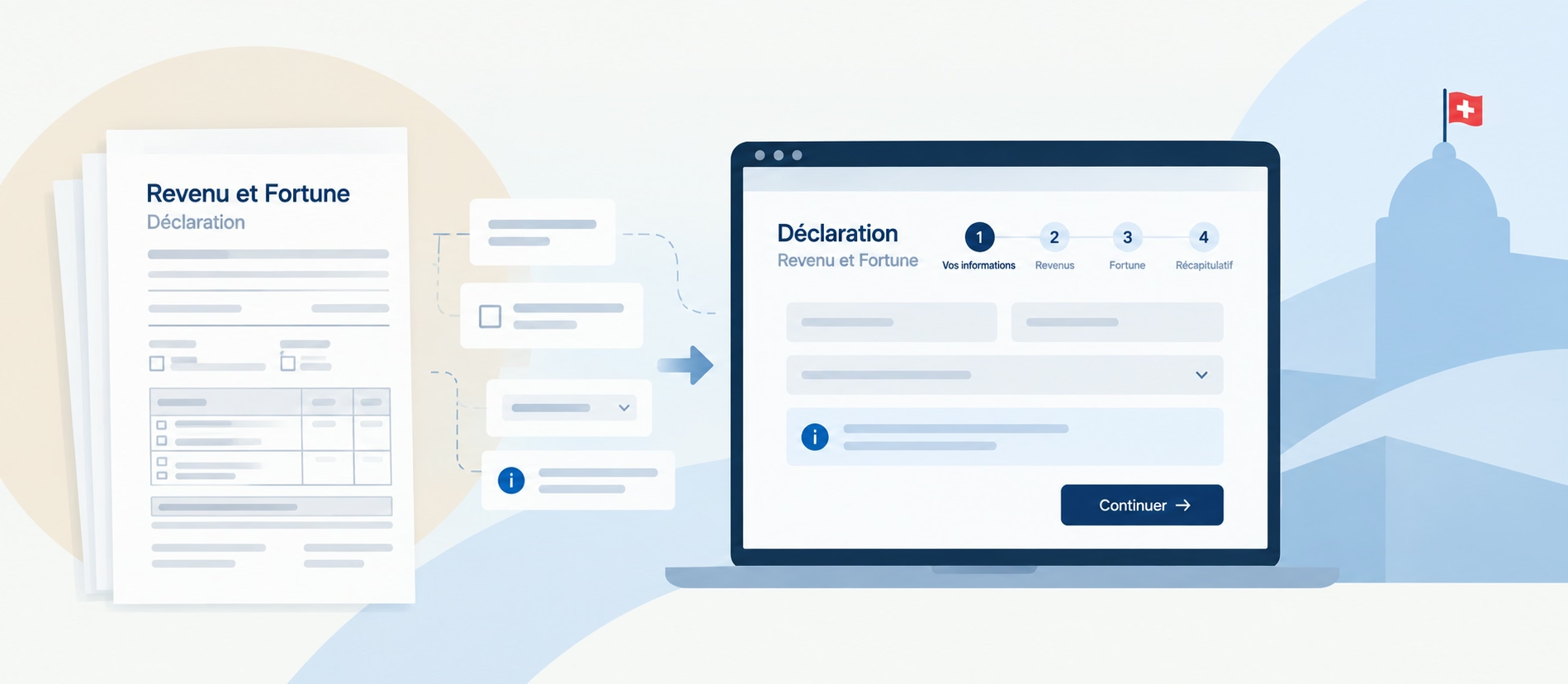
We focused on the structure end to end: steps, information architecture, content, validation rules, and reassurance points. The aim was to make the process understandable on the first pass and reduce errors through precisely defined states and messages.
A reference prototype to lock decisions before build
A reference prototype helped business, UX, and tech teams align quickly. It made the journey tangible, enabled trade-offs, and secured sensitive points - errors, confirmations, micro-interactions - before development started.
A Figma design system to speed up UI delivery
Building on the prototype, Telono structured a design system in Figma: components, styles, patterns, states (error, success, disabled), and usage guidance. The goal was to standardise the UI, make consistency repeatable, and accelerate future CdC journeys.
Helping teams become more autonomous on design system and accessibility
Business analysts were trained to use the design system so they could produce more detailed, consistent UI specifications for developers. In parallel, BAs and developers were onboarded to accessibility with practical guidance on web content (structure, forms, errors) and how to embed accessibility into delivery and governance (criteria, checkpoints, responsibilities).
Consistency requires shared rules - and teams equipped to apply them.
Key Benefits
A clearer journey with stronger specifications
A reference prototype made decisions visible and discussable before development, improving alignment and de-risking implementation.
A standardised UI to accelerate what comes next
An operational Figma design system - components plus rules - makes UI quality repeatable, reduces inconsistencies, and saves time on future journeys.
More autonomous, better equipped teams
Business analysts trained on UI specification, plus BA and development teams equipped with accessibility guidance that can be applied directly in content and delivery.